Worried about your personal data on public Wi-Fi? Discover the importance of Virtual Private Networks (VPNs) for securing your online activities and enhancing data privacy. Learn smart usage tips for a safer internet experience.

Navigating the Digital World: Is Your Online Footprint Truly Private?
In our hyper-connected modern era, the internet is an indispensable part of daily life. We engage in a myriad of online activities, from casual browsing and shopping to remote work and streaming entertainment. However, beneath this surface of convenience lie security vulnerabilities that are often overlooked. The risk of personal data exposure, especially when connected to public Wi-Fi networks, is ever-present, and the digital crumbs we leave on every website can compromise our privacy. Furthermore, many users encounter difficulties accessing specific international content or experience frustratingly slow connection speeds when transferring crucial files. This inherent instability and uncertainty in the online environment can cause considerable inconvenience and concern. It’s crucial to regularly assess whether your online activities are adequately protected.

Understanding Virtual Private Networks: Your Shield in the Digital Realm
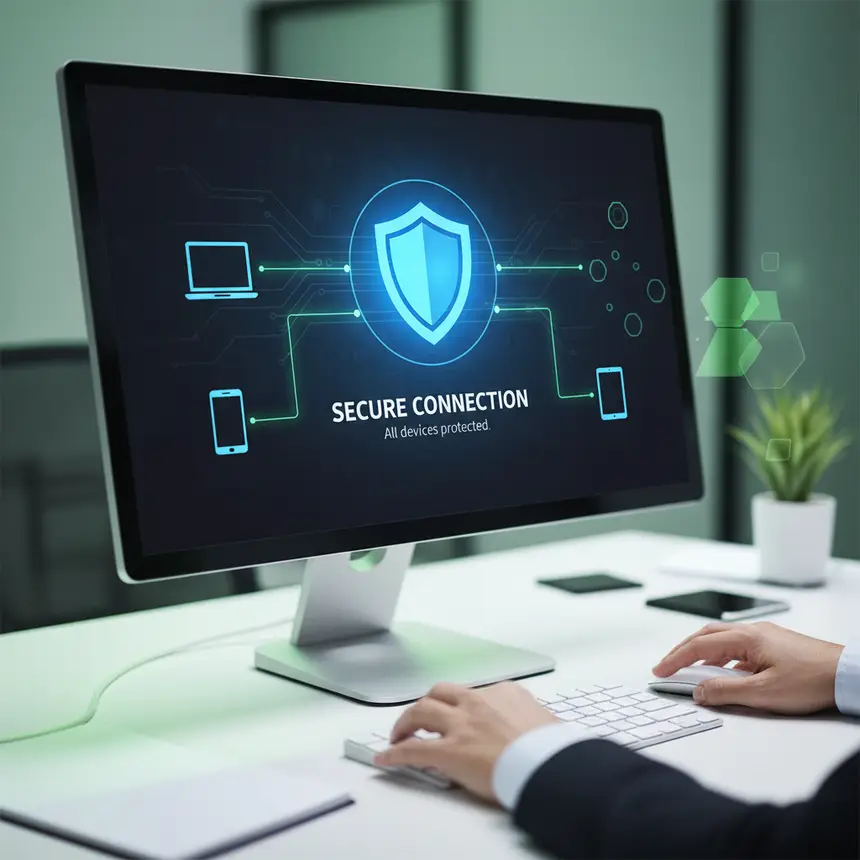
Virtual Private Networks, or VPNs, are a pivotal technology designed to safeguard users from these online threats and expand their digital freedom. A VPN works by encrypting your internet traffic and routing it through a secure tunnel, effectively thwarting attempts at eavesdropping or data theft from external parties. This process conceals your true IP address, replacing it with the IP address of the VPN server, which significantly enhances online anonymity and reduces the risk of personal information exposure. With a vast network of servers distributed globally, users can access diverse content as if they were browsing from a different geographical location. A robust VPN also strives to maintain stable connections and minimize speed degradation. Additional features such as automatic blocking of malicious websites and ad-tracking elements, 24/7 monitoring for personal data breaches, and a 'kill switch' that automatically disconnects your internet if the VPN connection drops, further fortify your online protection. These functionalities enable users to navigate the internet with greater peace of mind. When selecting a VPN for effective online security, it’s vital to consider strong encryption standards, a wide array of server locations, and overall user-friendliness.
※ This post contains affiliate links. I may earn a commission at no extra cost to you.

Smart VPN Integration: Beyond Basic Privacy
Leveraging a VPN beyond simple IP masking can significantly enhance your overall online experience. A fundamental practice is to consistently activate your VPN before engaging in any internet activity, especially when using public Wi-Fi networks. Think of it as creating a private space for sensitive conversations. Additionally, features like 'split tunneling' allow you to route specific applications through the VPN while others use your regular internet connection, optimizing efficiency. If you encounter slower internet speeds, try switching between different protocol options within your VPN application or connecting to an alternative server location. These steps often resolve most connectivity issues. It's important to remember that a VPN is not a cure-all for every online risk. It must be complemented by continuous adherence to basic security practices, such as creating strong, unique passwords and enabling two-factor authentication. A VPN is a powerful tool for exploring the digital world more securely and freely. With proper understanding and smart utilization, your online life can become considerably safer and richer. Take a moment now to re-evaluate your online security habits and start strengthening your personal data protection with a VPN.
Frequently Asked Questions
Q. Does using a VPN significantly slow down internet speeds?
A. While a VPN can introduce a slight decrease in speed due to data encryption and routing through a remote server, the impact varies. Factors like server proximity, network congestion, and the provider's infrastructure play a crucial role. Opting for a service with high-performance servers and optimized protocols usually ensures a smooth experience for typical browsing and streaming.
Q. Is a VPN really necessary when using public Wi-Fi?
A. Absolutely. Public Wi-Fi networks are often unsecure, making your data vulnerable to eavesdropping and cyberattacks. A VPN encrypts your internet traffic, safeguarding your personal information from potential threats and enhancing your anonymity, which is vital when handling sensitive data.
Q. What are the most important factors to consider when choosing a VPN service?
A. Prioritize a service that employs strong encryption standards and up-to-date security protocols. Look for a provider with a large, globally distributed server network for optimal speed and diverse connection options. Additionally, verify if they offer advanced security features like a kill switch and malware blocking, and adhere to a strict 'no-logs' policy to protect your privacy.